When you see a link there should be an icon (book, film frame, photo) before it:

If you hover your cursor over the icon a window will open showing the content:

There should also be a bar at the top of the page with a button to share the page on Twitter, Facebook or by email and there is also a search box:

You can type your query in as normal:

Hit enter or select from the suggestions:

And click on your chosen link:
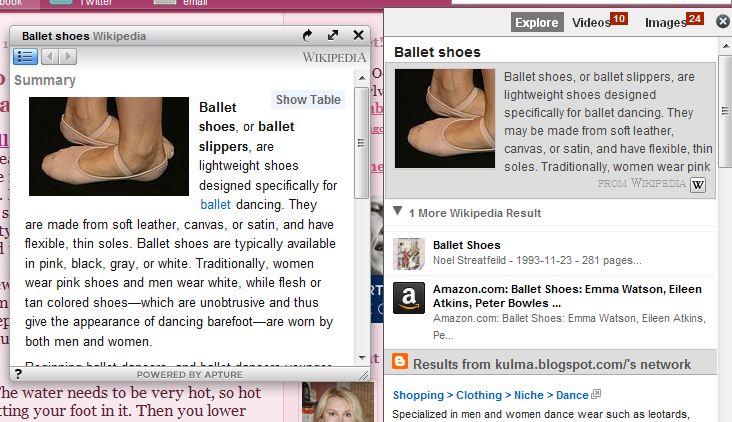
Additionally you can highlight a word or phrase [here I highlighted "dentist's mercury, but the highlight didn't show in the screenshot] and a little "Learn More" icon will pop up:

Click the icon and search results will pop up:

You can then select the result of which you want to see more:

Finally, you can also hover over my Twitter link at the top of the right column and read my tweets without leaving my page:

And that's about it. You may or may not ever ue these on my page, but I thought I'd share in case someone wanted to use the code on their own site.


